
Embedding in your pages
Adjust the parameters for each widget below, then click Apply to update the live preview and generate a ready-to-paste <iframe> embed snippet with those values baked in as defaults.
Interactive FRFT
Full controls — let visitors change signal type, α order, block size and overlap directly in the widget.
Non-interactive FRFT
Fixed parameters set at embed time — auto-plays on load, no controls shown to the visitor.
Alpha (α) Sweep
Interactive slider that sweeps the fractional order α — shows how the spectrum rotates from time to frequency domain.
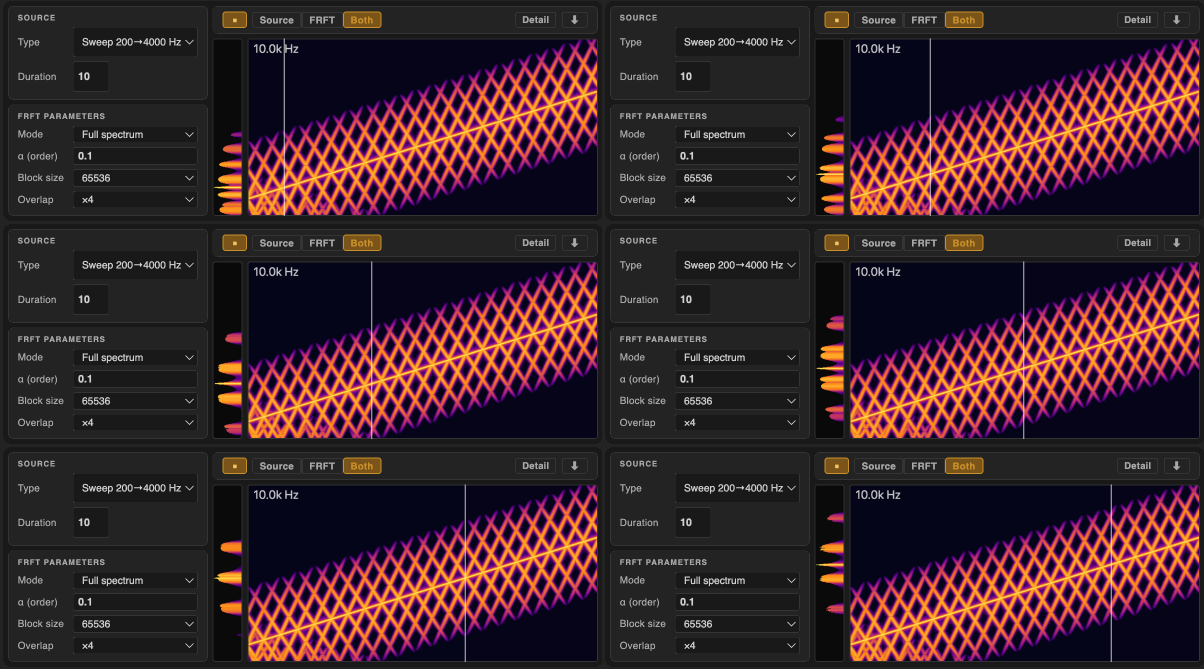
Overlap-Add Visualiser
Shows how block-processing artefacts change with different block sizes and overlap factors.
Building your own
Resources
The engine is written in C++ and compiled to WebAssembly. All usage examples and widgets are in plain JavaScript — no framework or bundler required.
Three files are included in the ZIP:
| File | Size | Role |
|---|---|---|
wasm/dist/frft.js |
45 KB | JS glue — loads and wraps the WASM module |
wasm/dist/frft.wasm |
45 KB | Compiled FRFT engine |
audio/frft-worker.js |
13 KB | Web Worker — runs processing off the main thread |
Using the worker (recommended)
The worker keeps heavy computation off the UI thread. Drop the three files into your project and preserve their relative paths — frft-worker.js expects ../wasm/dist/frft.js alongside it.
// 1. Start the worker
const worker = new Worker('audio/frft-worker.js');

// 2. Load the WASM engine
worker.postMessage({
  type: 'init',
  jsUrl:       new URL('wasm/dist/frft.js', location.href).href,
  wasmBaseUrl: new URL('wasm/dist/', location.href).href,
});

// 3. Wait for ready, then process
worker.onmessage = ({ data }) => {
  if (data.type === 'ready') {
    worker.postMessage({
      type: 'process',
      samples:      myFloat32Array,   // mono audio samples
      alpha:        0.5,              // fractional order (0–4)
      bufSize:      16384,            // block size
      overlapFactor: 4,               // overlap (1, 2, 4, 8 …)
      halfSpectrum: false,
      jobId:        1,
    });
  }
  if (data.type === 'result') {
    const output = data.output;       // Float32Array — FRFT of the input
  }
  if (data.type === 'progress') {
    console.log('progress:', data.value); // 0..1
  }
};

// Cancel a running job at any time
worker.postMessage({ type: 'cancel' });
Using the WASM module directly
For offline or non-audio use, load the module directly on the main thread:
import FRFTModule from './wasm/dist/frft.js';

const Module = await FRFTModule();
const proc   = new Module.FRFTProcessor();

proc.prepare(512);

// Write input into WASM memory (zero-copy)
const inR = new Float64Array(Module.HEAPF64.buffer, proc.inputRealPtr(), 512);
inR.set(mySamples);

// Run FRFT
proc.process(512, /* alpha */ 0.5);

// Read result
const outR = new Float64Array(Module.HEAPF64.buffer, proc.outputRealPtr(), 512);
Or use the convenience wrapper (allocates internally):
const result = proc.processArrays(realIn, imagIn, alpha);
// result.real → Float64Array
// result.imag → Float64Array
For the full build guide (recompiling from C++, Emscripten setup, AudioWorklet wiring) see web/README.md in the repo.